See Gantto in Action
Take a visual tour through Gantto’s fullscreen interface, NLP modal, timeline scales, and analytics.
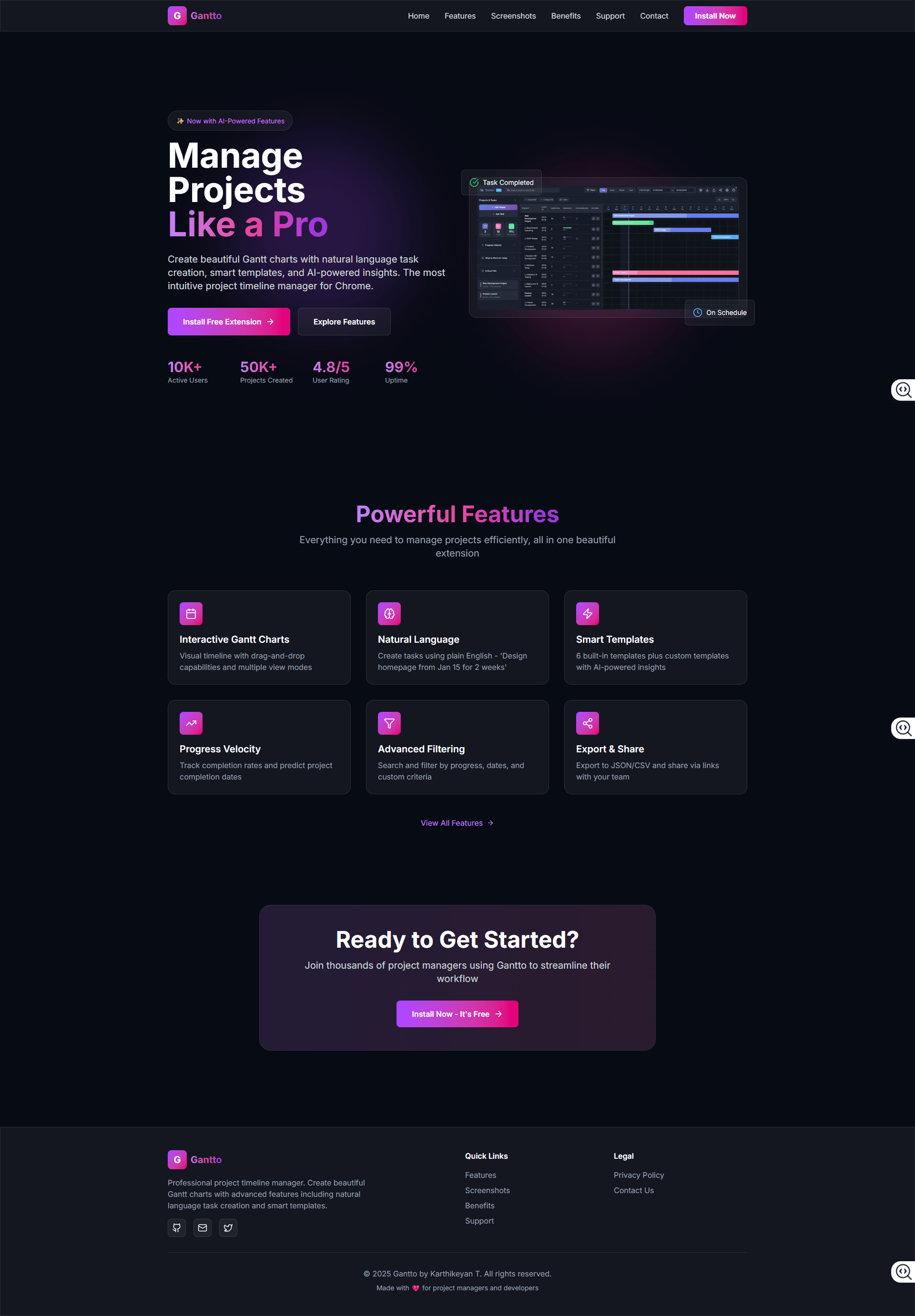
Fullscreen Gantt Timeline & CPM Engine
Expansive dark-mode workspace with interactive timelines, live progress velocity indicators, and automated Critical Path highlighting.
Experience in Live Demo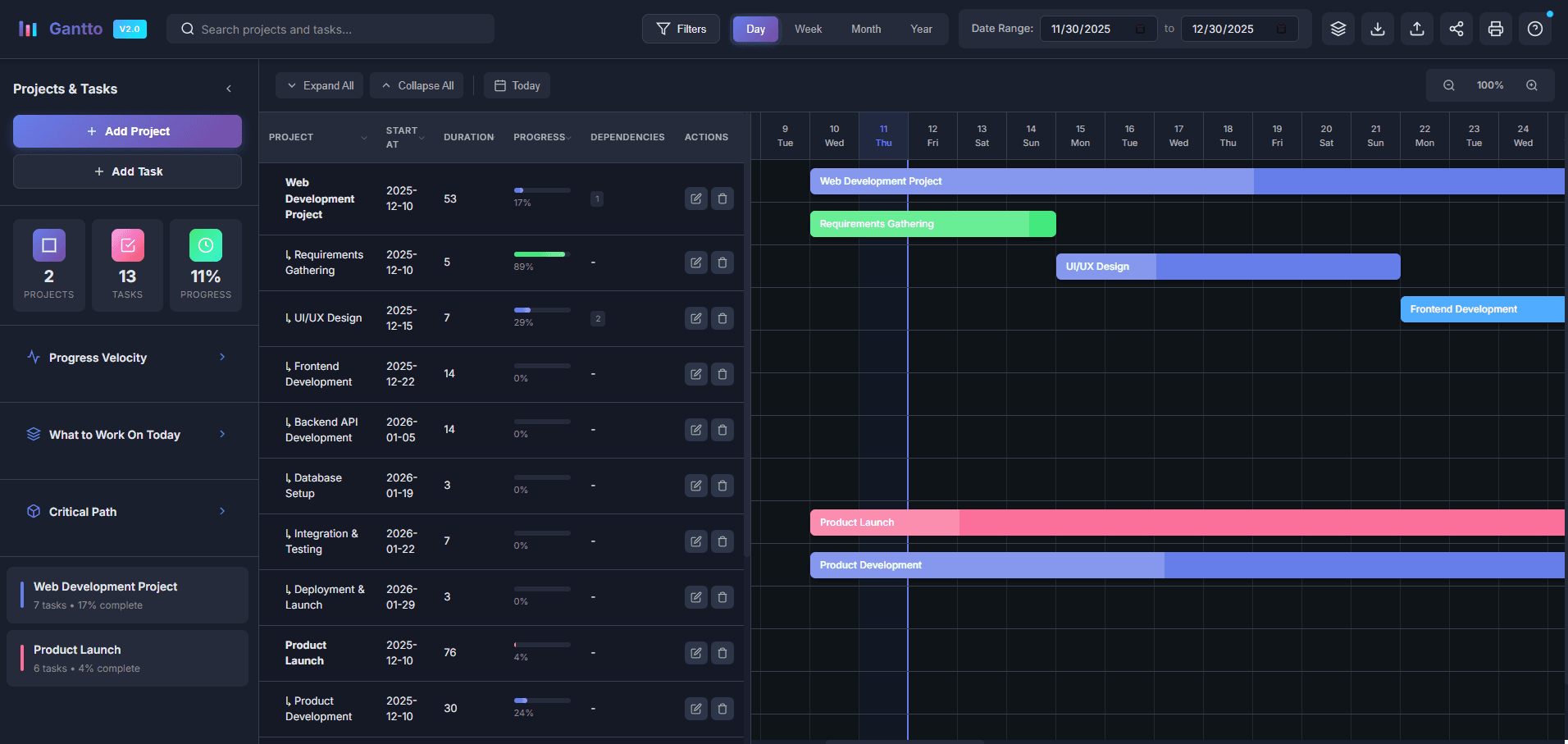
Macro Timeline View & Navigation
Multi-scale Day, Week, Month, and Year zoom modes with today marker and drag-and-drop task dependency alignment.
Experience in Live Demo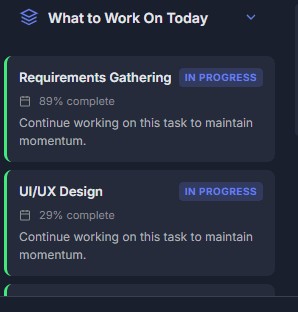
Smart Task Prioritization
Color-coded priority badges and sequence ranking showing what to focus on today to maintain milestone deadlines.
Experience in Live Demo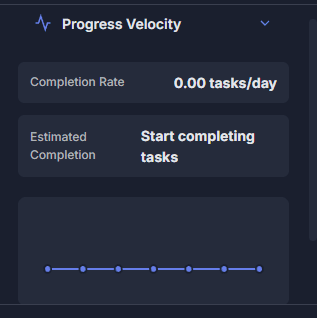
Progress Velocity & Completion Analytics
Live velocity calculations with estimated delivery dates based on current completion trends.
Experience in Live Demo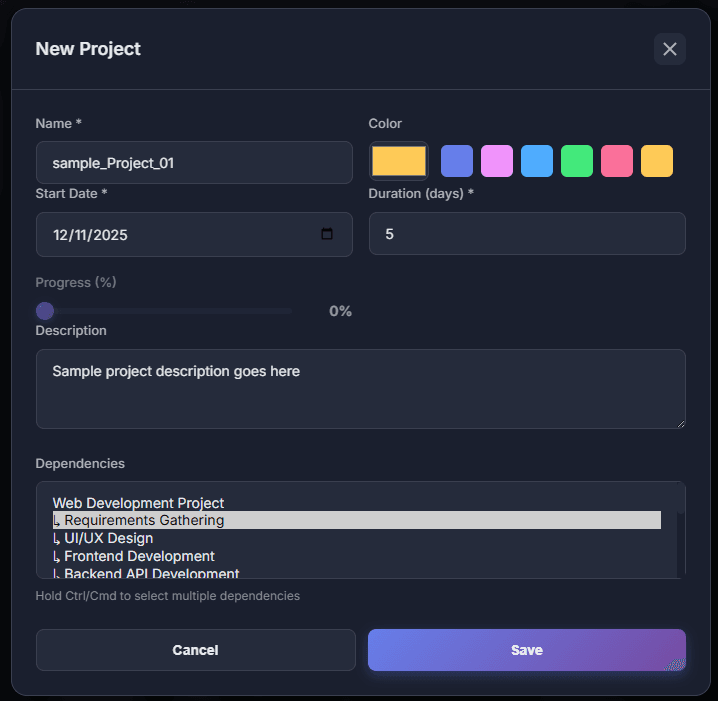
Natural Language Task Creation
Describe project tasks in conversational English with instant token breakdown into name, dates, duration, and progress.
Experience in Live Demo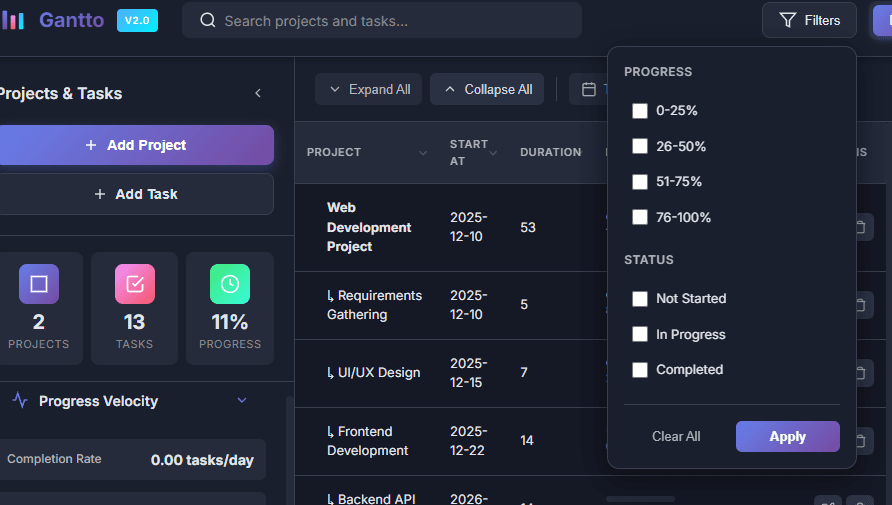
Advanced Multi-Level Filtering
Real-time debounced search by status (Not Started, In Progress, Completed) and completion percentage brackets.
Experience in Live Demo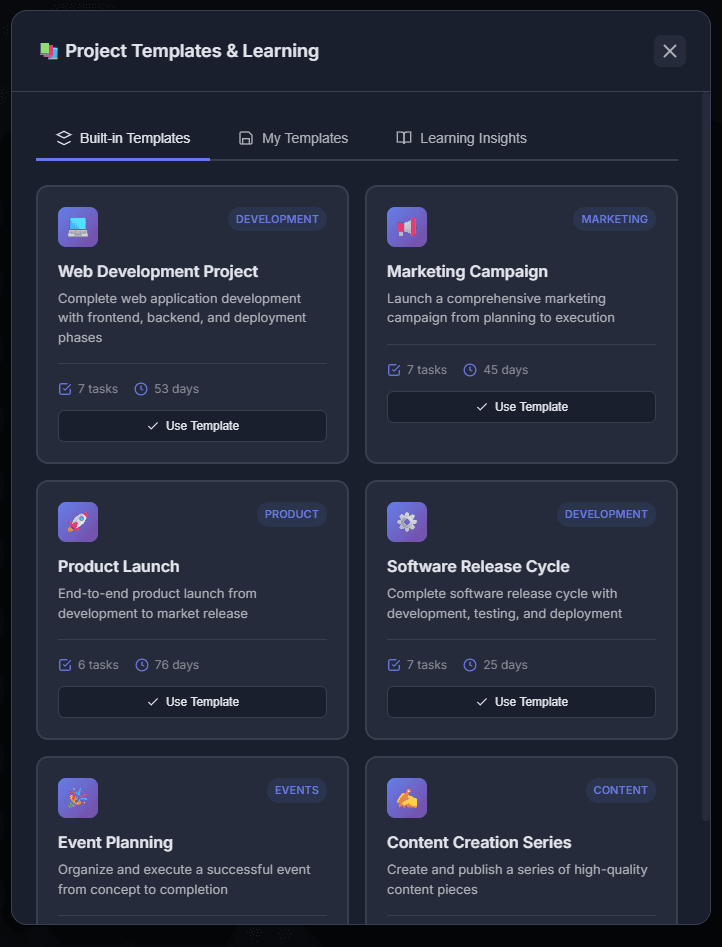
Pre-Built & Custom Templates
Curated templates for SDLC, Product Marketing, Event Planning, Design Sprints, plus custom template creation.
Experience in Live Demo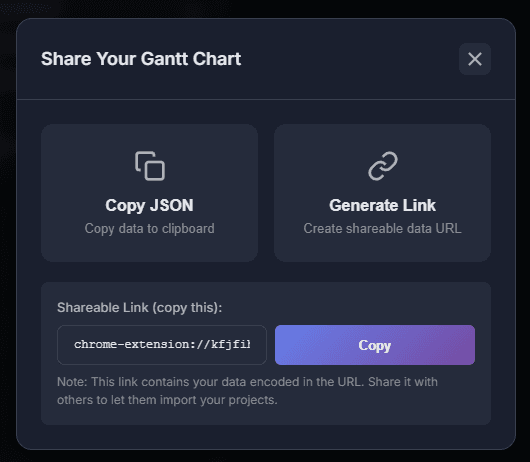
JSON Backup, CSV & PDF Print Mode
Effortlessly export your timelines into JSON backups, CSV spreadsheets (Excel, Google Sheets), and crisp print-optimized PDFs.
Experience in Live DemoReady to Try Gantto?
Jump into the live demo or download the Chrome extension directly.